
Why duplicates appear in the first place
The same article may appear in a site header, sidebar, and content list. A job directory might repeat a posting in “Featured” and “Latest.” Sometimes an address is repeated exactly; other times one version has tracking parameters added to it.
A clean link list helps you avoid re-reviewing the same resource. But removing duplicate URLs correctly requires distinguishing identical strings from addresses that only look equivalent.
Exact duplicates are straightforward
These two addresses are identical:
https://example.org/guides/setup
https://example.org/guides/setup
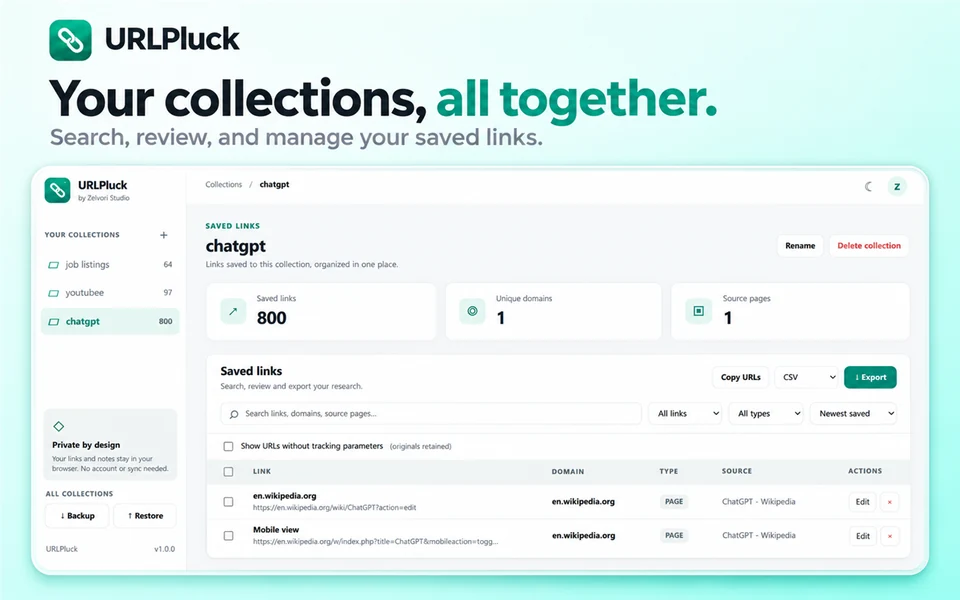
When both appear in an extracted page list, keeping one copy is usually sensible. URLPluck deduplicates repeated link destinations during extraction and provides additional collection-level handling for saved links.
Tracking parameters create a different problem
Consider these addresses:
https://example.org/guides/setup?utm_source=newsletter
https://example.org/guides/setup?utm_source=social
They have different query strings, yet often lead to the same content. Parameters beginning with utm_ are commonly used for campaign attribution. URLPluck includes optional cleanup of common marketing/tracking parameters when saving links, which can make a collection less repetitive.
That option is different from treating every query string as expendable. URLs with ?page=2, ?language=fr, or ?product=123 might represent genuinely different pages, and stripping those parameters could change or break the destination.
A safe cleanup workflow
- Extract the relevant webpage links in Chrome using URLPluck.
- Filter out unrelated navigation and social links if you do not need them.
- Select the useful links and choose a named collection.
- If appropriate, enable the extension's option to remove common tracking parameters when saving.
- Review the saved collection before export; test any important URLs that look unexpectedly similar.
- Export the cleaned list in CSV or TXT for your next step.
Do not automatically strip all query parameters. MDN's URLSearchParams documentation shows that query parameters are part of a URL's structured data and can be added, removed, or inspected individually.
Three kinds of duplication
| Type | Example | Suggested action |
|---|---|---|
| Exact URL | Same address repeated twice | Usually keep one |
| Tracking variation | Same path with different utm_source values |
Consider optional marketing-parameter cleanup |
| Functional variation | Same path with ?page=1 and ?page=2 |
Keep separate until verified |
What about SEO canonical tags?
Google uses canonicalization to choose a representative URL from duplicate or very similar pages. A site's rel="canonical" annotation can indicate its preferred version. That is a separate concept from cleaning your personal link list. Google Search Central explains canonical choices and why URLs with different tracking or sorting parameters can represent equivalent content.
URLPluck's tracking-parameter cleanup does not inspect all canonical tags, crawl redirect chains, or decide which content Google will index. It is a practical list-cleaning tool, not a canonicalization audit.
When should you keep “duplicate-looking” links?
Keep multiple addresses if they produce different language versions, filtered product results, pagination states, or important referral flows. Keep the original version if you need attribution or debugging information. Test before merging entries that matter to your workflow.
The best link list is not necessarily the shortest. It is the list where every remaining URL has a reason to be there.
Try URLPluck for free. Extract, review, save, and export URLs from the page you are browsing.
Sources and further reading
Official documentation and public product listings used to verify key points. Links open their original websites.